

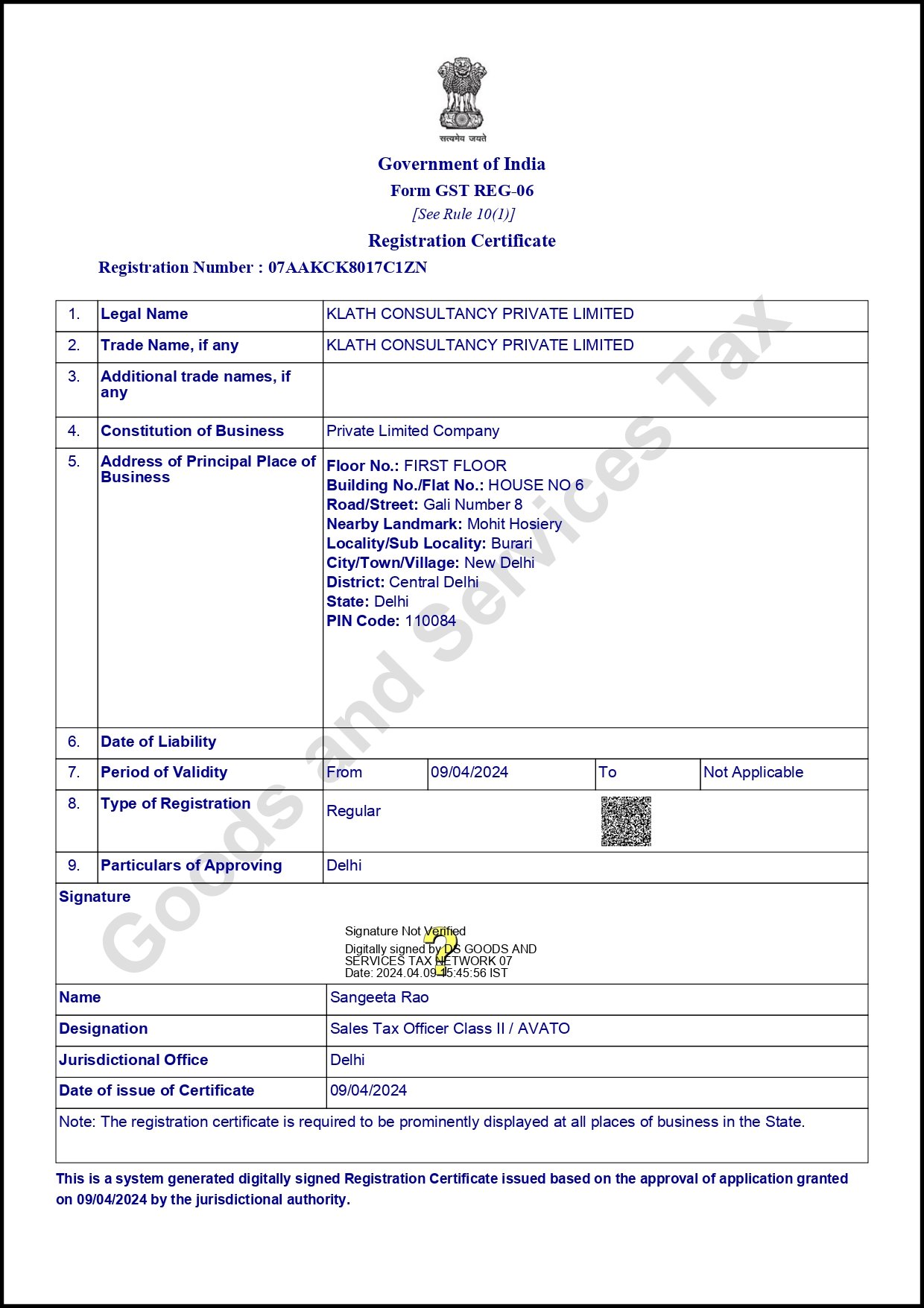
Gst Registration process is completely online based on the government Portal which is https://www.gst.gov.in/
Step- 1 Click on the above mentioned Link and you redirected to the Gst official Website.
Then on the top a strip Line in blue colour shown you have to select services as shown in the Image below.

Then u have select registration Tab and under it select New Registration tab complete the basic details to get TRN No
Step -2 Details are required to fill in form Part - A for getting TRN No

1. In which capacity u want Obtain Gst registration Certificate?
- Tax payer
- Tax deductor
- Tax Collector (E-Commerce)
- Gst Practitioner
- Non-Resident Taxable Person
- United Nation Body
- Consulate or Embassy of Foreign Country
- Other Notified Person
- No-Resident Online Service provider/ Non-Resident Online Money Gaming Supplier.
2. Select The State/UT of your Business for which you want to Obtain Gst registration Certificate.
3. Select the District of Your Business Address.
4. Legal Name of Business (As mentioned in Pan)same as pan pan can be written because it match with CBDT Database.
5. Enter pan No of Business up on Gst Registration is Obtaining.
6. Email address of Business.
7. Mobile No of business for getting Gst Notification and Updates.
Note:- Mob no and Email Id both Otp are required for Obtaining Gst Registration Certificate both Otp’s are different.
Click on proceed then
Step 3 - Otp Verification and TRN Generation

Enter the Two Otp one received on Mobile and another one received on Email. If you don’t have received Otp the Resend Otp.
Step 4 - TRN Generated

You will receive the 15-digit Temporary Reference Number (TRN). This will so sent to your above provided Mob no and Email Id.
Note - You need to complete the Part-B details within Next 15 days Otherwise Part-A expires an you need to fill again Form Part - A.

Step 5- Login With TRN No
Enter TRN No and Captcha then Proceed a new otp sent on both Mob and Email now both Otp are same so you can provide anyone.


Form Gst reg - 01 is open now for filing 10 pages are required to fill to Complete The Gst registration Process.

1. Details of your Business
- Enter Trade Name in case of Porpreitorship it may be different from Pan card.
- Constitution of Business/Nature of Business
- Name of the State and District
- Additonal Trade Name
- Are you Applying for registration as a Casual taxable Person
- Reason to Obtain Registration
- Date of Commencement of Business
- Indicate Existing registration if any u have already then mention it.
- Upload Trademark Certificate in support of Your Trade name if you have any.
2. Promoter/ Partner’s Details
- Name or person
- Father Name
- Date of Birth
- Mob no and Email id
- Gender
- Designation in Business
- Din no in case of Director
- Pan No
- Passport No in case of Foreigner
- Residential address of above mentioned Person
3. Authorized Signatory
In case of Individual Authorized Signatory is same but in other nature of constitution of Business it depends up up on the Resolution Passed by the members/Directors
Upload Passport Size Photo of Authorized Signatory.
4. Authorized Representative
Any person appointed by the Taxable person to act as Authorized representative under Gst law it may be his/her Employee, Lawyer, CA/CS/CMA etc.
5. Principal Place of Business

- Mention the complete address along with 6-digit area Pin Code
- State Jurisdiction
- Center Jurisdiction
- Official Email Id and Contact No
- Specify Nature of premises like rented, owned, Lease etc.
- Nature of Business Activity
- Upload Electricity Bill in case of Owned, Electricity Bill and Rent agreement in case of rented
6. Details of Additional Place of Business
Mention the complete address of additional place of business in the same state where stock or books of accounts is kept by the Taxpayer.

Goods is classified in Gst as per HSN Codes and Service is classified as per SAC code. Maximum 5 HSN and 5 SAC is allowed.
8. State Specific Information

- Professional Tax Employee Code No
- Professional Tax Reg No
- State Excise License No
- Name of the Person in whose Name Excise License is held
9. Aadhaar Authentication

Click on Aadhaar Authentication Yes and Proceed after completing the verification you got message on your Email and Mob a link to complete Aadhaar Authentication by click on the provided link you are redirected to aadhar website now you can enter your 12-digit Aadhar no and you will get 6-digit aadhar Otp on your Mob no Registered with Aadhar. After Entering the validation you got message of submitted Successfully.
10. Verification
Enter the place from where you file the application and name of the Authorized Signatory and then submit application by EVC.
What are the Documents Required for Gst Registration?
- Permanent Account Number (PAN) of the Applicant
- Copy of the Aadhar Card
- Proof of Business Registration or Certificate of Incorporation
- Identity and Address proof of promoter’s/Directors with a Photograph
- Bank Account Statement/Cancelled Cheque
- Authorisation Letter/Board Resolution for Authorised Signatory.
- Digital Signature in case of Company.
Frequently Asked Question FAQ’S
How much time take to get the Gst registration certificate ?
The time limit for Getting Gst Reg Certificate is 21 to 30 working days It also depends up on the notice served how much time u take to reply.
What documents are required for property Owned by Parents or Relative without any consideration?
- Electricy Bill
- No-Objection Certificate (NOC) along with stamp paper on Rs 10 and Notarized.